
Email spam ruins everything. One wrong signup turns your inbox into a nightmare of promotional messages and sketchy links.
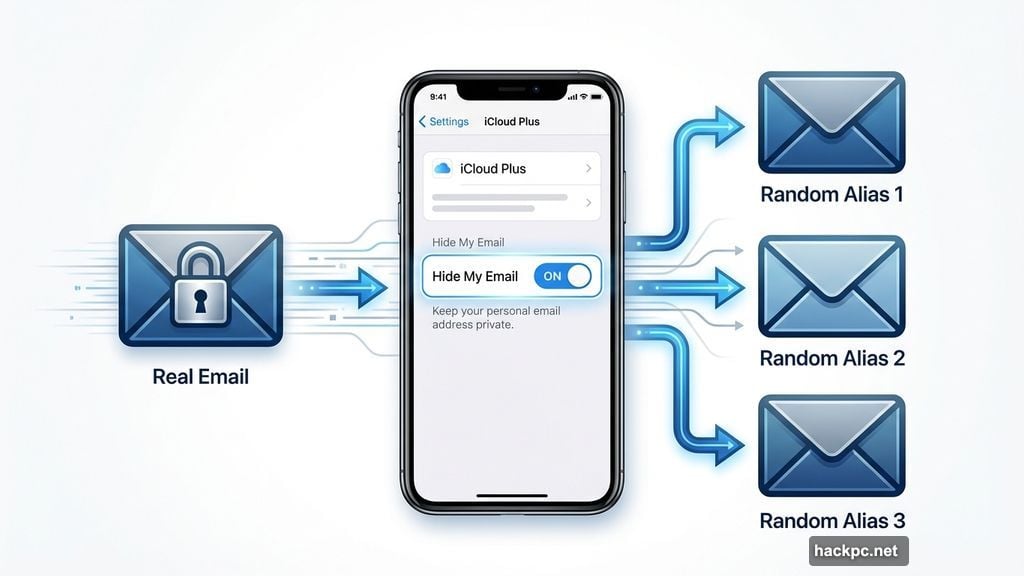
I dealt with this constantly until I discovered Apple’s Hide My Email feature. It generates temporary email addresses that forward to your real inbox. Retailers never see your actual address. Plus, you can shut off any alias the moment it starts getting spammed.
This simple tool transformed how I shop online. No more drowning in marketing emails or worrying about data breaches. Let me show you exactly how it works.
Why Email Aliases Actually Matter
Chester Wisniewski runs cybersecurity at Sophos. He explains the real risk most people miss.
“Most of us use one primary email address. Once criminals know it’s real, it opens up many opportunities for them to try to get into other accounts,” he said.
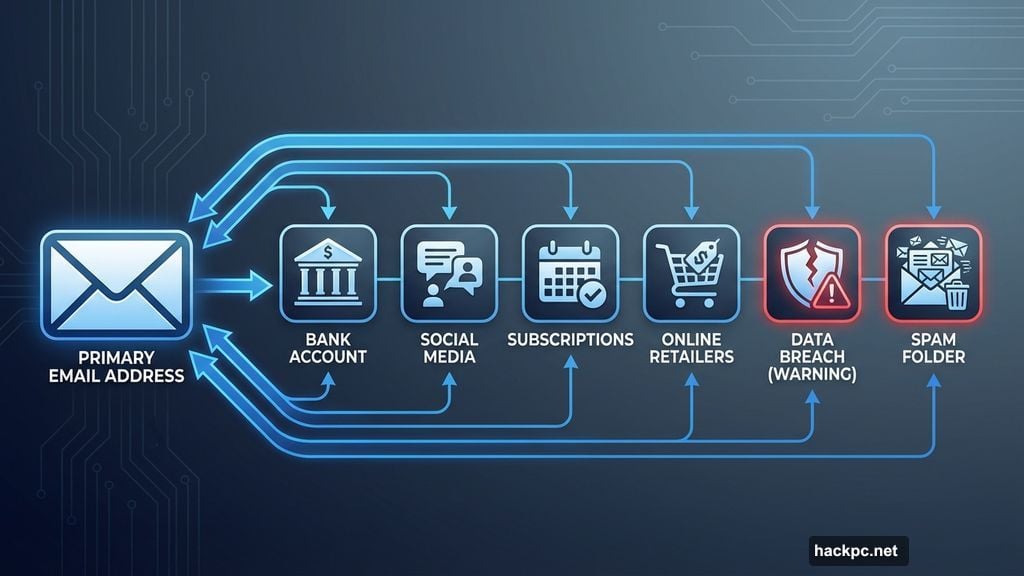
Think about it. Your main email probably connects to your bank, social media, and subscriptions. Every retailer who gets that address becomes a potential security weak point.
Companies sell your email to third parties. They get breached and leak customer data. Marketing teams share lists across partners. Before long, your inbox becomes unusable.
Hide My Email solves this. You give each store a unique disposable address. Messages still reach your inbox. But the store never touches your real email. And when promotional spam starts flooding in, you kill that alias in seconds.
Setting Up Your First Email Alias
First, you need iCloud Plus. Plans start at $1 monthly for 50GB storage. All tiers include Hide My Email and Apple’s Private Relay feature.
Here’s the setup process:
Open Settings and tap your name at the top. Select iCloud and scroll down to Hide My Email under iCloud Plus Features.
Tap Create New Address. Apple generates a random alias instantly. You can keep it or generate a different one with another tap.
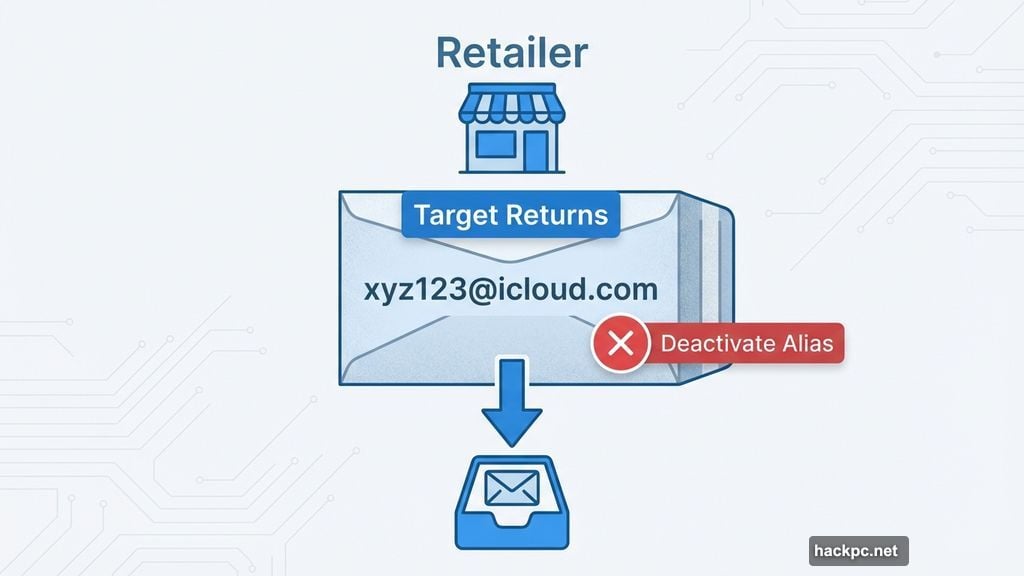
Now comes the crucial part. Add a clear label like “Target Returns” or “Holiday Shopping 2025.” This label helps you remember which store got which alias. It also reveals which companies sell your data to spammers.
Make sure the alias forwards to your main inbox. That way messages arrive without checking extra apps or accounts.
Smart Ways to Deploy Email Aliases
Online shopping constantly demands your email. Discount codes require signup. Returns need confirmation addresses. Order tracking wants contact info.
Use Hide My Email for all of it.
Managing returns and customer service: Generate one alias per store. All their return updates hit the same burner address. When they inevitably start marketing spam, you shut it off without affecting other retailers.
One-time accounts you’ll never use again: Holiday shopping means visiting random websites and joining temporary lists. Maybe you create an account for a digital wishlist or sign up at a local market. These addresses serve zero purpose after the season ends. A burner email gets you the updates now and disappears later.
Protecting your primary address: Your main email connects to banking, social media, and critical subscriptions. Keep it private. Retailers store customer addresses for marketing. They share them with partners. Sometimes they get breached and leak everything. Hide My Email shields your real address while still delivering the messages you actually need.
Cleaning Up After the Holidays
Burner addresses pile up fast during shopping season. Deactivating unused ones keeps your inbox organized and stops future spam.
Here’s how to clean up:
Open Settings, tap your name, select iCloud, and choose Hide My Email. Find the label you created, like “Holiday Shopping 2025.” Tap it to open details.
Scroll down and select Deactivate Email Address. This stops all incoming mail to that alias immediately. The sender gets a delivery failure notice. You can reactivate it anytime if needed.
Deactivation preserves the label and message history. Your Hide My Email list stays organized. View all inactive addresses in that same section.
Want to delete permanently? Select the inactive address and tap Delete Address. Remember that deletion is final. You cannot recover that alias once removed.
Consider waiting a few weeks after the holidays before deleting. Make absolutely certain you don’t need those messages or accounts anymore. Deactivate first. Delete when you’re ready for complete removal.
Making Email Protection Your Default Habit
Setting up a few aliases drastically improves inbox security. It’s also dead simple protection against data breaches.
“Despite the number of data breaches being really high, there are still things in your life that are more sensitive, and it’s worth doing what you can to protect yourself,” Wisniewski said.
You don’t need perfect security. But using tools like Hide My Email costs almost nothing and delivers massive peace of mind.
Start using burner addresses for every online signup. Your primary inbox becomes dramatically quieter. Marketing spam hits disposable addresses you can kill instantly. And if one retailer gets breached, criminals only grab a useless alias that forwards nowhere.
The best part? This strategy requires zero technical knowledge. Just tap a few buttons in Settings and start using aliases instead of your real email. Your future self will thank you when that inbox stays clean and secure.




Comments (0)