
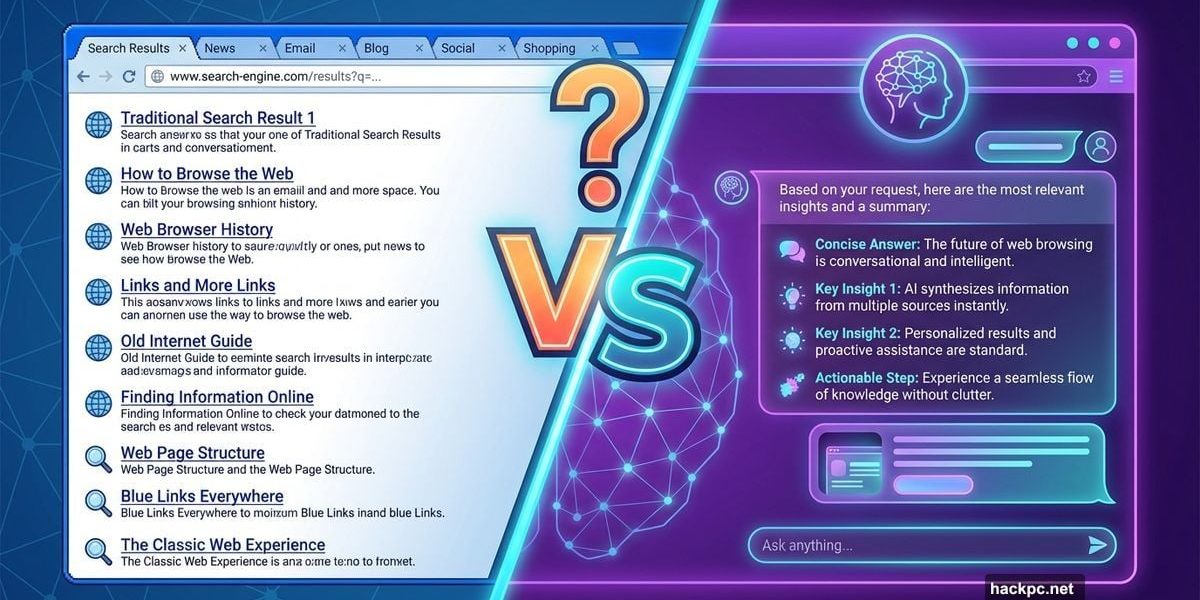
OpenAI just launched Atlas. Perplexity shipped Comet. Google added Gemini to Chrome. The browser wars are back, but this time AI’s running the show.
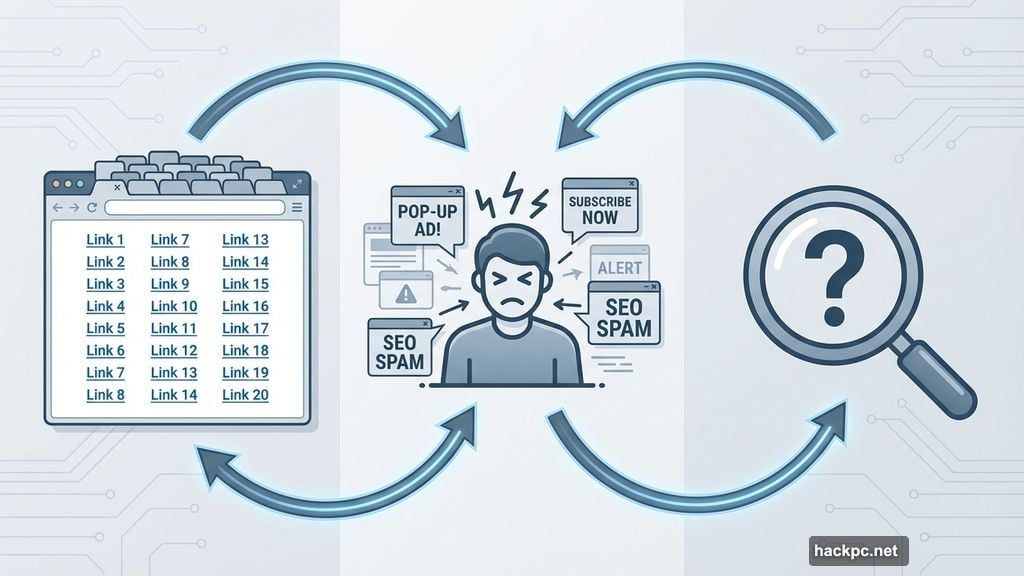
For 15 years, online research looked the same. Type a question. Get blue links. Open 20 tabs. Drown in pop-ups and SEO spam. Then repeat until you find what you need.
AI browsers promise something different. Ask a vague question and get a direct answer. No keyword gymnastics. No link-hopping. Just results.
But convenience comes with trade-offs. Privacy risks. Accuracy concerns. And a threat to the websites that actually create the information these tools summarize.
What Makes a Browser “AI-Powered”
No official definition exists yet. Generally, an AI browser uses artificial intelligence to search, summarize, organize or interact with web content for you.
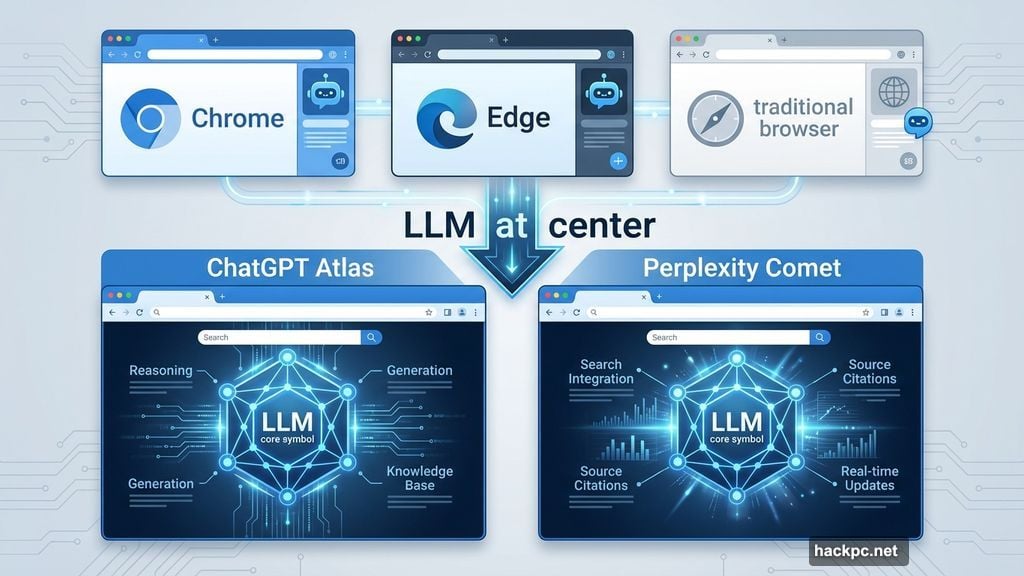
Chrome and Edge recently added Gemini and Copilot integration. These tools answer questions about pages you’re viewing. Useful additions, but they’re still bolted onto traditional browsing.
ChatGPT Atlas and Perplexity Comet take a different approach. They put large language models at the center of the experience. The AI shapes how you search and consume information from the start.
Traditional browsers show you the web. AI browsers try to understand it for you.
How These Tools Actually Work
Regular browsers often bury you in repetitive or irrelevant results. AI browsers aim to cut through that noise.
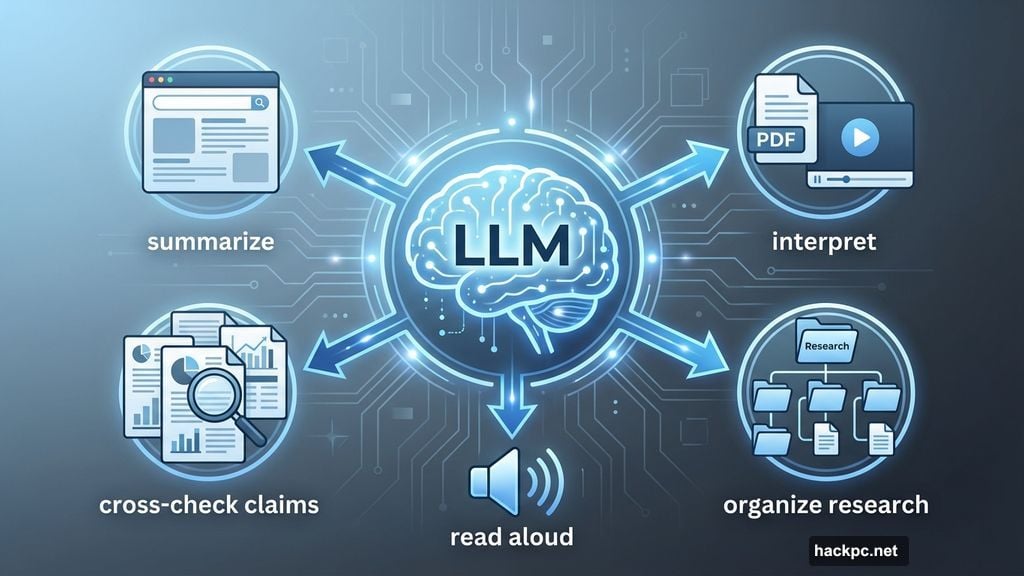
Instead of showing a list of links, they use LLMs to read, interpret and synthesize information based on your request. They summarize webpages, PDFs and videos. They follow links. They help organize research into folders or threads.
Some cross-check claims across sources. Others read content out loud. A few integrate with Google Docs and Slack to pull in context or assist with writing.
That’s possible because the LLM sits inside the browser itself. Rather than passively rendering a webpage, the browser tries to understand your intent and respond accordingly.
Some people like the shortcut. Others worry it creates a filter bubble where you only see one version of an answer. Plus, while certain AI browsers provide citations, not all do.
Agentic AI Takes It Further
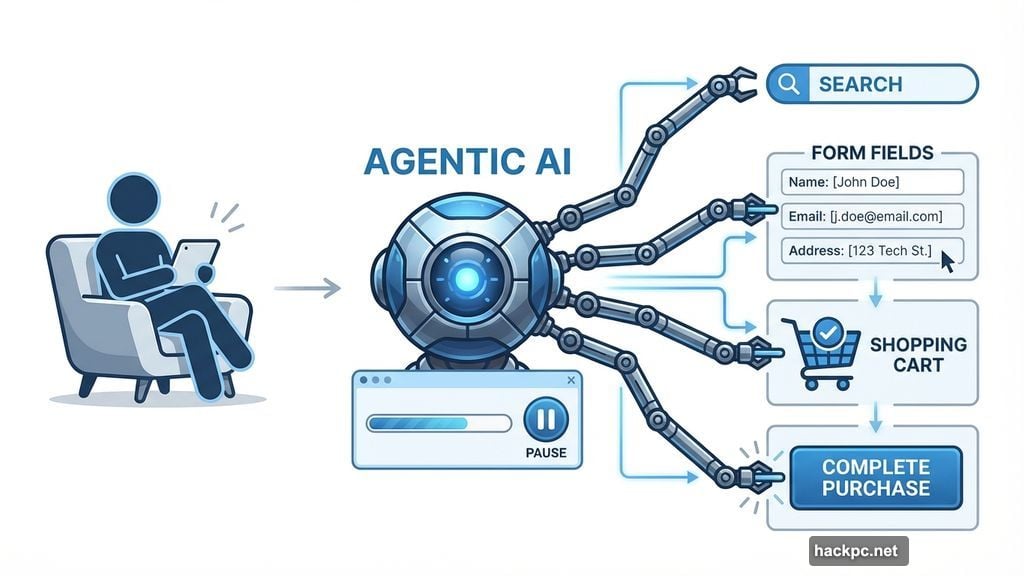
Agentic AI separates advanced AI browsers from those that simply add a chatbot to the sidebar. Instead of helping you search, agentic AI takes on the task itself.
It can run searches, open pages, read content, fill out forms, send emails, compare prices and add items to your cart. If you’re brave enough to allow it, some can complete purchases.
Most tools show a live progress window where you can pause or take back control. But you’re still letting software control your browser autonomously.
The more advanced features, including agentic mode or deep research, typically require a paid plan. Free tiers often limit what the AI can actually do.
The Major Players in AI Browsing
ChatGPT Atlas is OpenAI’s browser, currently available on MacOS. It integrates ChatGPT directly into browsing, allowing conversations to draw on past chats and browsing context.
Atlas includes Browser Memories, which lets the assistant retain context from pages you visit across sessions. Windows, iOS and Android versions are coming, but no release dates yet.
Perplexity’s Comet integrates the company’s AI directly into the browser. It can read pages, follow links and handle tasks like comparison shopping. Deep Citation links specific claims back to original sources, making verification easier.
Microsoft Edge with Copilot lets you ask questions about the page you’re viewing, summarize articles or PDFs and generate text without opening a new tab. Copilot works as a sidebar assistant rather than an autonomous agent.
Brave blocks trackers and third-party cookies by default and doesn’t profile users for advertising. Its built-in AI assistant, Leo, can summarize webpages, translate text and answer questions about on-screen content.
Opera One includes Aria, an AI assistant embedded into the browser sidebar. Aria can answer questions, summarize pages and pull in live web information while you browse. Opera is the only browser on this list that includes a free built-in VPN.
Dia by The Browser Company replaces Arc as their main browser and leans heavily into AI-assisted browsing. Instead of managing dozens of tabs, you interact through a chat-style interface that can pull context from multiple pages at once.
Duck.ai by DuckDuckGo adds AI-generated answers and summaries to its search experience without replacing traditional search. The company built its reputation on privacy well before adding AI features.
Google Chrome with Gemini has begun rolling out AI-powered features including page summaries, writing assistance and tab organization. These tools enhance the browsing experience but remain add-ons to a conventional browser model.
Security Risks You Can’t Ignore
The convenience of having an AI tool summarize the internet for you is undeniable. But there’s plenty of room for security vulnerabilities because AI browsers are still relatively new.
Technology market researcher Gartner warns this newfound “helpfulness” is a “block-worthy” security risk. The advisory outlines five key risks to be aware of.
Indirect prompt injection happens when hidden instructions on a webpage trick an AI agent into taking unauthorized actions. Irreversible data leakage occurs when sensitive session data is sent to cloud-based AI systems and can’t be recovered.
Erroneous agentic transactions are another concern. AI hallucinations could lead to incorrect bookings or purchases. Credential abuse means agents may be fooled into handing over passwords or session tokens to phishing sites.
Finally, security training evasion lets employees use automation tools to skip required compliance or safety training.
Dennis Xu, one of Gartner’s VP analysts who conducted the research, says the firm didn’t arrive at a “block” recommendation because of a single headline incident. Instead, the conclusion came from weighing the combined impact of all five risks.
But Xu also points out that the concern isn’t limited to data exposure to AI providers or malicious sites hijacking an agent. It’s both.
“Data leaking perhaps takes up a bit more weight from a practical sense because indirect prompt injection/jailbreak-based attacks against AI browsers are not solvable at this point. LLMs are always susceptible to prompt injection and jailbreak attacks,” Xu says.
Everyone should be concerned. Individual consumers have a very different risk appetite than large enterprises, so they might make a very different decision to favor convenience over privacy and data protection.
Hallucinations Remain a Big Problem
AI hallucinations are a major concern. If an AI browser misinterprets a source or fabricates a statistic while summarizing it, you might never know because you never visited the original source to verify it.
Or if it over-summarizes, you may miss key context when everything’s boiled down. You’re trading accuracy for convenience.
There’s also a massive, existential threat to the creator economy. The internet has long run on a tacit agreement: Websites provide free information in exchange for traffic, which they monetize through ads or subscriptions.
But the following statistics are warning bells. AI-driven search traffic jumped 527% in 2025 and could overtake traditional search by 2028, according to Semrush.
While Google still processes about 13.7 billion searches a day, that dominance may not last. Zero-click searches already account for 34% to 43% of standard queries, but that figure jumps to 93% in AI Mode.
This contributes to a reported 33% drop in organic traffic for most websites. When an AI browser reads five articles and delivers the answer directly in search without you ever clicking through, the economic model collapses.
Who Should Actually Use AI Browsers
If you read a lot online, do frequent research for work or school or need help staying organized, AI browsers can be useful.
But if you prefer reading source material directly, even while juggling dozens of open tabs, these tools may feel like too much hand-holding.
Traditional browsers are slowly adding AI sidekicks. AI chat apps are adding web browsing. But search isn’t dead.
Maybe it’s best to mix them based on your needs and preferences. Use Google for complex searches that you can easily fact-check. Use ChatGPT or Perplexity for summaries. Use an AI browser to pull it all together.
You probably won’t uninstall Chrome today. But the way you use the internet five years from now will almost certainly involve an AI co-pilot guiding your clicks.




Comments (0)