

If you’ve ever typed the same AI prompt for the tenth time in a row, you already know how tedious that gets. Summarize these meeting notes. List the ingredients in this product. Turn this document into bullet points. Same request, every single day.
Google just fixed that with a new Chrome feature called Skills.
Starting Tuesday, Chrome users can save their most-used AI prompts and run them again with a single click. No retyping. No copy-pasting from a notes app. Just one tap and you’re off.
What Chrome Skills Does
Skills lives inside your Gemini chat history, right in Chrome. Once you find a prompt that works well for you, you save it as a Skill. Then, whenever you need it again, you type a forward slash (/) or hit the plus sign (+) button. Your saved Skill appears and runs immediately.
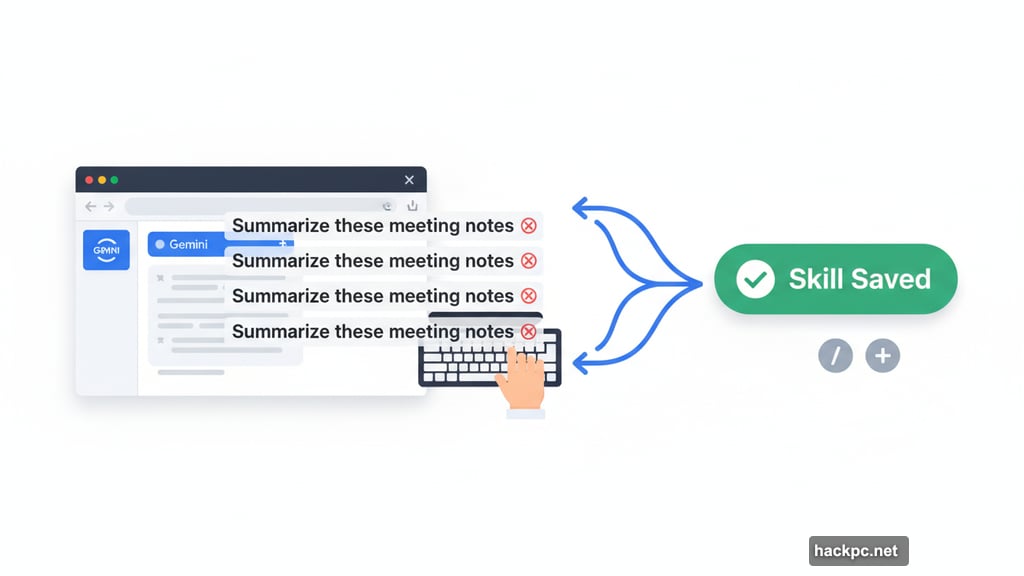
It’s a small change that makes a big difference for anyone who uses AI regularly throughout the day.
Plus, you can edit saved Skills anytime inside the Gemini interface. So if your workflow changes, your prompts can change with it.
The Ready-Made Skills Library
Not everyone loves writing AI prompts from scratch. Honestly, crafting a solid prompt takes practice. So Google also launched a pre-built library of the most common AI tasks, ready to use right away.
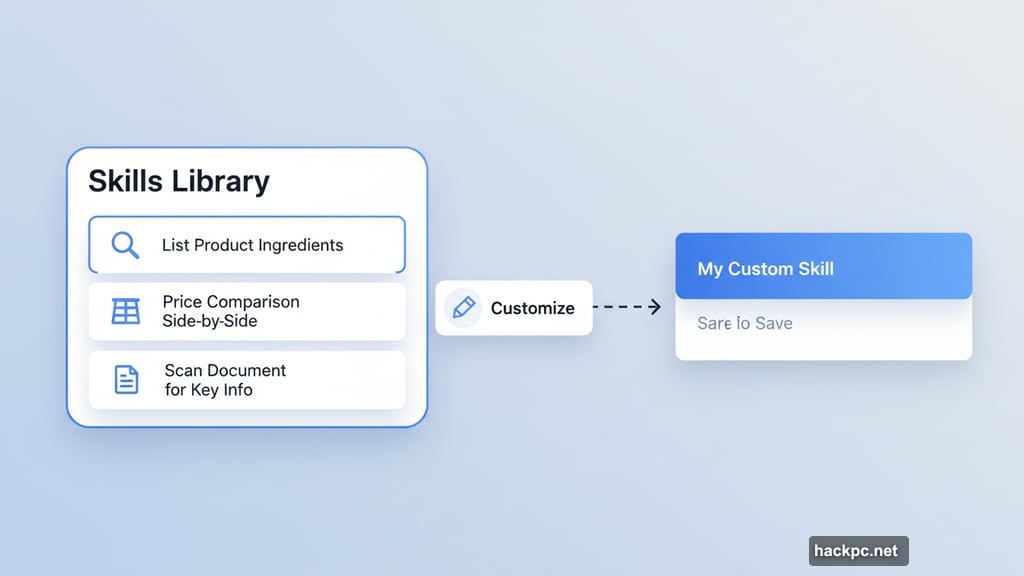
Some of the Skills already in the library include listing product ingredients, generating side-by-side price comparisons, and scanning long documents for key information. These cover a lot of everyday use cases without any setup required.
And if a pre-built Skill is close but not quite right for your needs, you can customize it. Tweak the wording, adjust the scope, and save your version as a personal Skill. Best of both worlds, really.
Privacy and Safety Built In
It’s fair to wonder how Chrome handles sensitive tasks. Google says Skills use the same safety and privacy safeguards as your existing Gemini prompts.
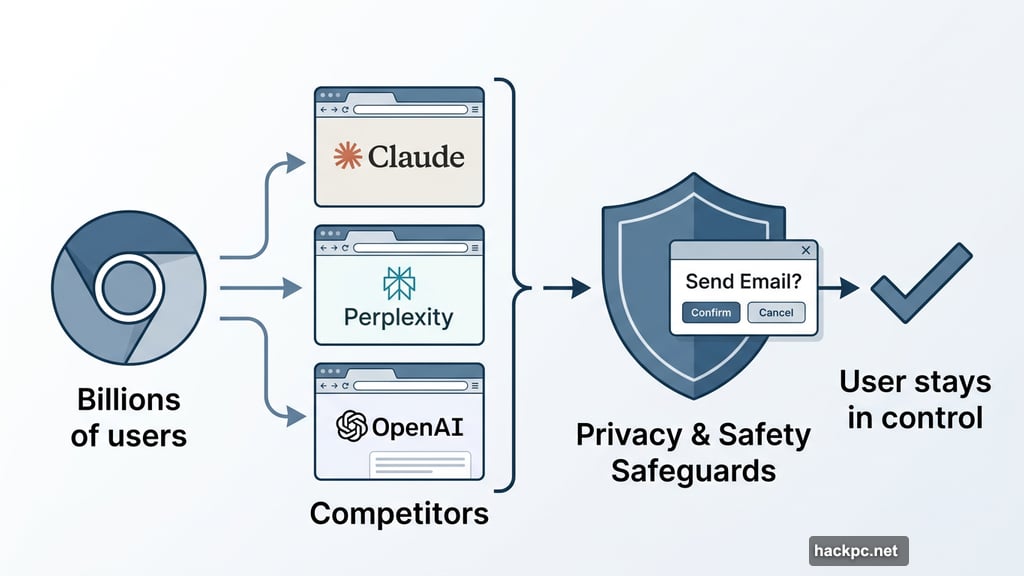
For certain actions that carry more weight, like sending an email, Chrome will ask for your confirmation before running the Skill. So you stay in control. Nothing executes without your final say.
That’s a thoughtful touch. Automation is great until it does something you didn’t intend.
Chrome Joins a Crowded But Growing Space
Google isn’t the first to offer this kind of saved-prompt functionality. Claude has its own Skills feature, and companies like Perplexity and OpenAI have built entire browsers designed to handle tasks like these.
But Chrome’s advantage is reach. Billions of people already use Chrome daily. Putting Skills directly inside the browser means no extra app to download, no new interface to learn. The feature shows up where people already work.
Skills in Chrome is available now to anyone with Chrome’s language set to English-US. If that’s you, it’s worth poking around your Gemini chat history to see what prompts deserve a permanent spot in your workflow.




Comments (0)