
Your work emails just got a serious privacy upgrade.
Google has started rolling out end-to-end encryption (E2EE) for Gmail on Android and iOS, and enterprise users are first in line to get it. The best part? You don’t need extra apps or separate portals to make it work. Everything happens right inside the Gmail app you already use every day.
What E2EE in Gmail Actually Means
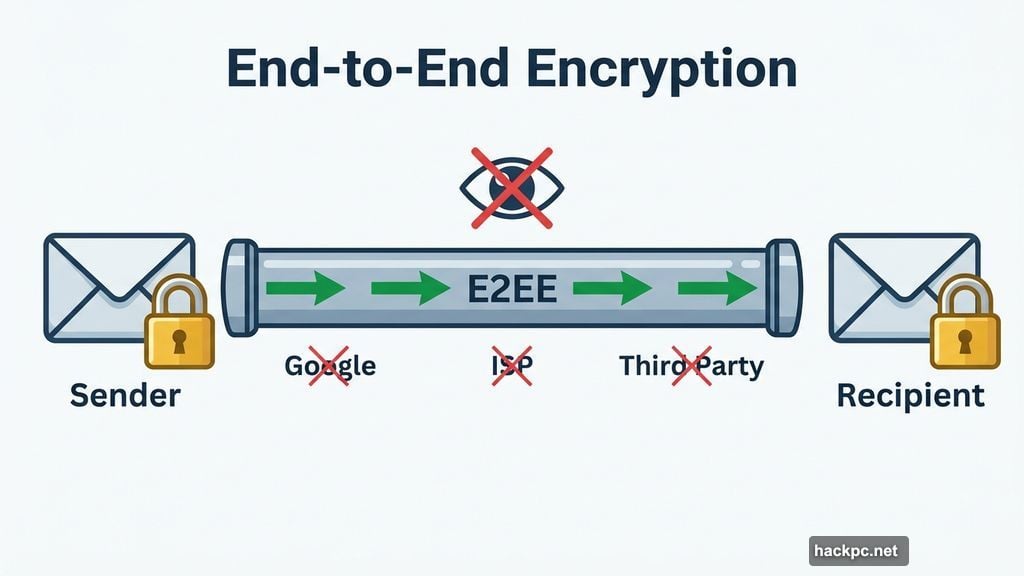
End-to-end encryption sounds technical, but the idea is simple. Only the sender and the recipient can read the message. Not Google. Not your internet provider. Nobody in between.
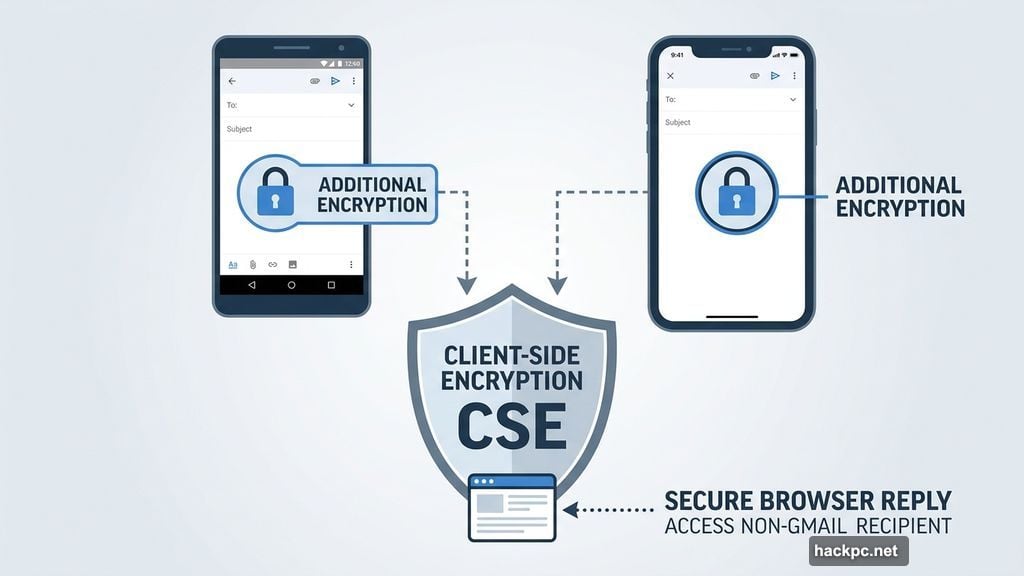
This new mobile feature builds on Google’s existing client-side encryption (CSE) system, which launched for Gmail on the web a little over a year ago. Now that protection extends to your phone.
And here’s a nice touch. If you send an encrypted email to someone who doesn’t have the Gmail app installed, they can still read and reply to it securely through their browser. That works regardless of what email service they use. So you’re not just locked into communicating with other Gmail users.
How to Turn It On
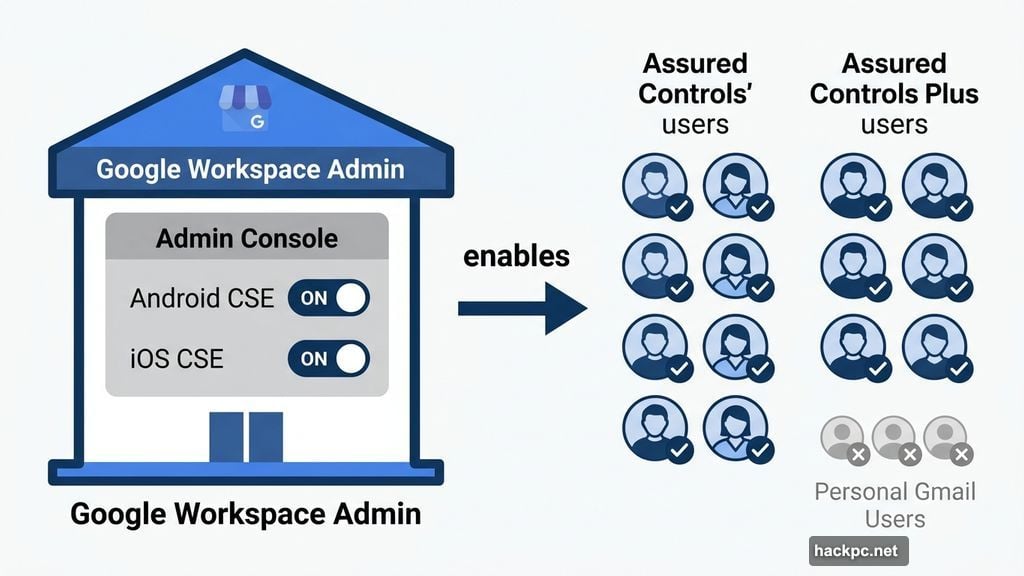
Before anyone on your team can use E2EE on mobile, an admin needs to flip a switch first.
The setup happens through the Admin Console, where an admin must enable Android and iOS clients inside the CSE admin interface. Once that’s done, sending an encrypted email is straightforward. Tap the lock icon when composing a message, select “additional encryption,” attach files as normal, and send.
The feature is already live in both Rapid Release and Scheduled Release domains, so eligible users don’t have to wait long after admins enable it.
Who Can Use It Right Now
Here’s the catch. This rollout is for enterprise users only, specifically those on Google Workspace with the Assured Controls or Assured Controls Plus add-on.
Those add-ons are designed for businesses and organizations handling sensitive data that need extra security and compliance tools. Think government contractors, healthcare organizations, legal firms, and financial services companies.
As Google puts it, the goal is combining “the highest level of privacy and data encryption with a user-friendly experience for all users.” Though in practice, “all users” currently means enterprise customers. The millions of people who use Gmail for personal email can’t access this level of protection yet.
The Bigger Picture for Mobile Security
This update matters because mobile has always been the weak link in enterprise security.
Employees check work email on their phones constantly. But strong encryption tools historically required desktop browsers or clunky third-party solutions. Getting people to actually use those workarounds was nearly impossible.
By baking E2EE directly into the Gmail mobile app, Google removes that friction entirely. Sending a heavily encrypted message now feels about as complicated as sending a regular one. That’s a big deal for organizations where compliance and data protection aren’t optional.
For personal Gmail users watching from the sidelines, this is still a promising sign. Google is clearly building the infrastructure for broader E2EE support. Whether that eventually reaches free accounts remains to be seen, but the groundwork is being laid.
If your organization handles sensitive communications and you’re already on the right Workspace tier, this is an upgrade worth enabling immediately. Stronger encryption with no workflow disruption is exactly the kind of security win that’s easy to say yes to.




Comments (0)