

I’ve been online for over 20 years. And honestly? I wasn’t always careful about where I signed up.
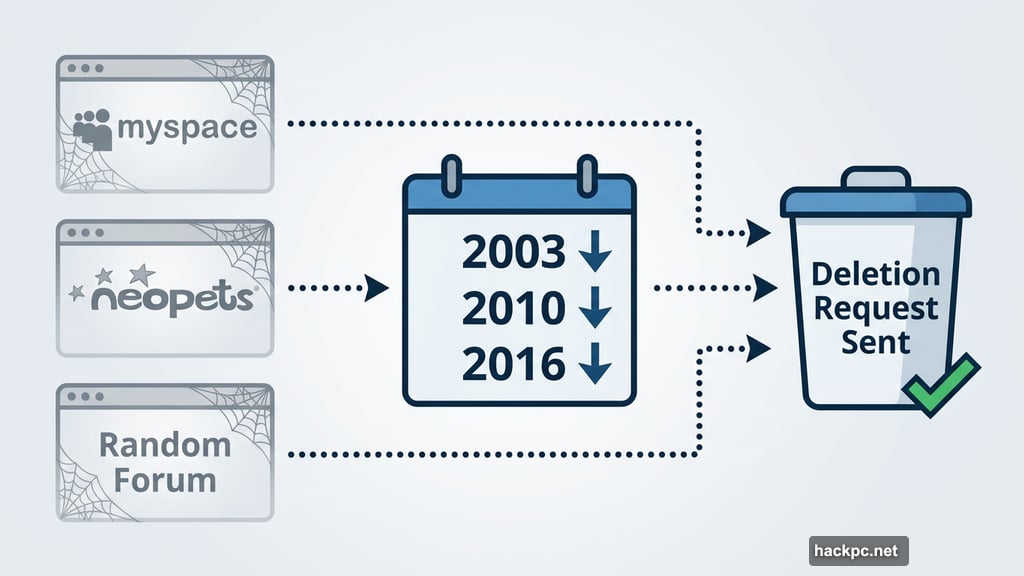
MySpace, Neopets, random forums I visited twice — accounts from all of those years are just floating out there, attached to my email address. Recent conversations about data collection and how companies use your personal information finally pushed me to do something about it. So I tested McAfee’s online account cleanup tool. What I found surprised even me.
455 Accounts. Some I’d Completely Forgotten
McAfee’s account cleanup tool scanned my email history and found 455 accounts connected to my address.
That number alone was shocking. But what got me was the specific accounts it surfaced. There was a dentist’s website I used twice back in 2022. An OrphanBlack.com fan account I have zero memory of creating. Accounts I hadn’t logged into since 2016.
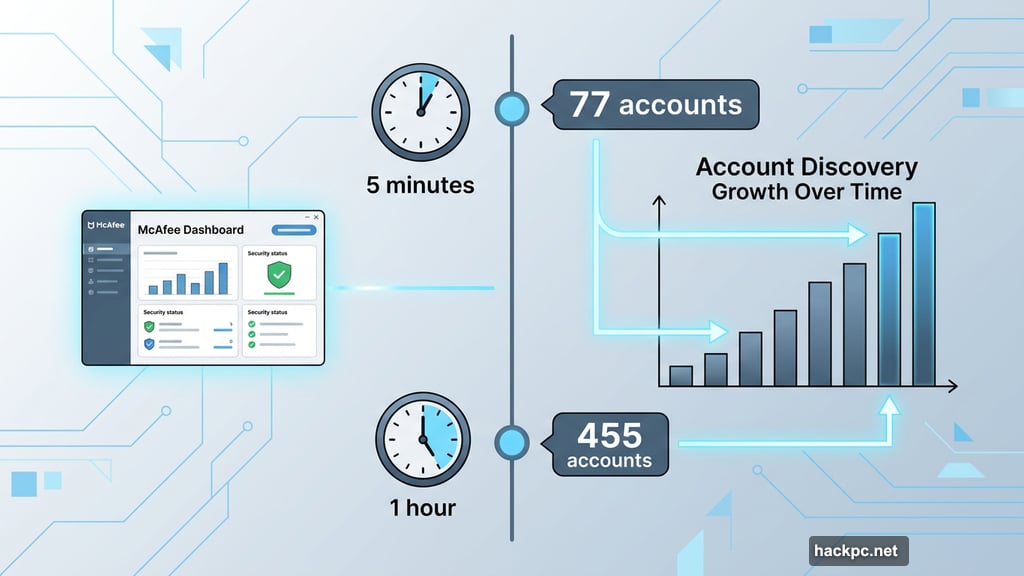
The first scan took about five minutes and found 77 accounts. I let it keep running. An hour later, it had uncovered almost 400 more. That’s the kind of thorough search that would take me days to replicate manually — if I ever got around to it at all.
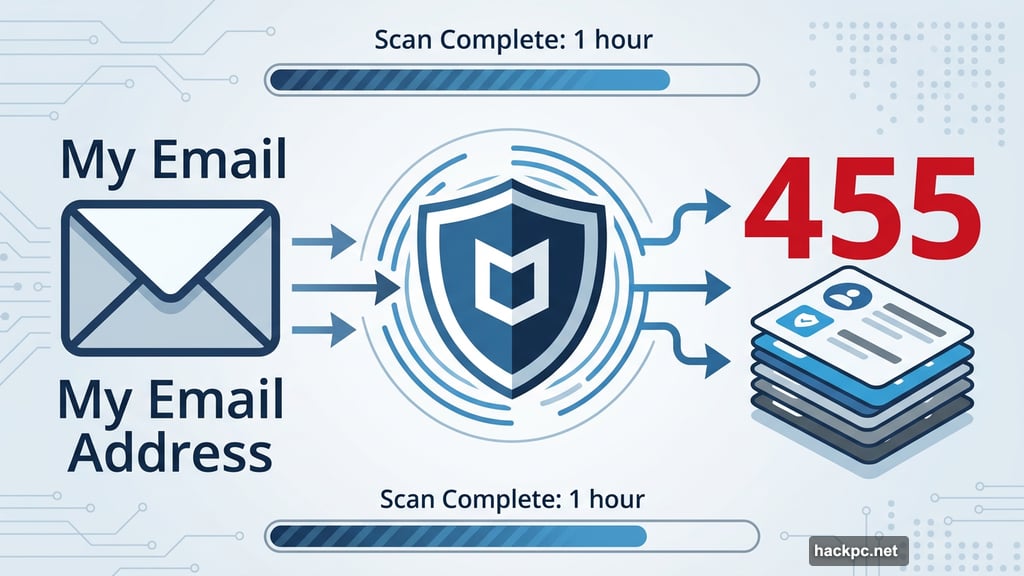
McAfee’s online account cleanup tool found and organized forgotten accounts by risk level, making it easy to prioritize which ones to delete first.
Smart Categorization Prevents Overwhelm
Here’s where McAfee does something clever. It doesn’t just dump 455 accounts in front of you and say “good luck.”
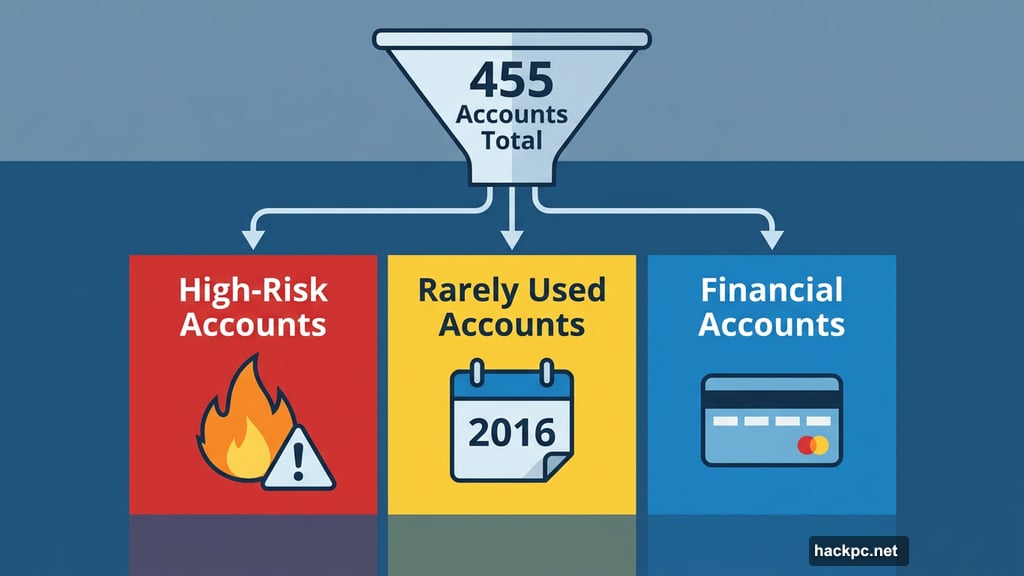
Instead, it sorts everything into three groups: high-risk accounts (sites most likely to experience a data breach), rarely used accounts, and accounts connected to your financial information. That structure matters more than you’d think. Facing a single list of 455 items feels paralyzing. Facing a short list of high-risk accounts? That’s manageable.
I started with high-risk accounts because that list was smallest and most urgent. Clicking into any account showed me the site’s risk level and exactly what types of data I’d shared with it. From there, one more click sent a deletion request on my behalf.
McAfee says this process saves up to 10 hours. Given my account count, I’d estimate it saved me closer to 20 or 30.
How the Cleanup Process Actually Works
Getting started takes four steps, and none of them are complicated.
First, find the online account cleanup tool in the center of your McAfee dashboard. Second, connect the email address you want to scan — this doesn’t have to be your McAfee account email, which is useful if you want to audit an older address. Third, wait for the scan. Fourth, work through the account lists one category at a time.
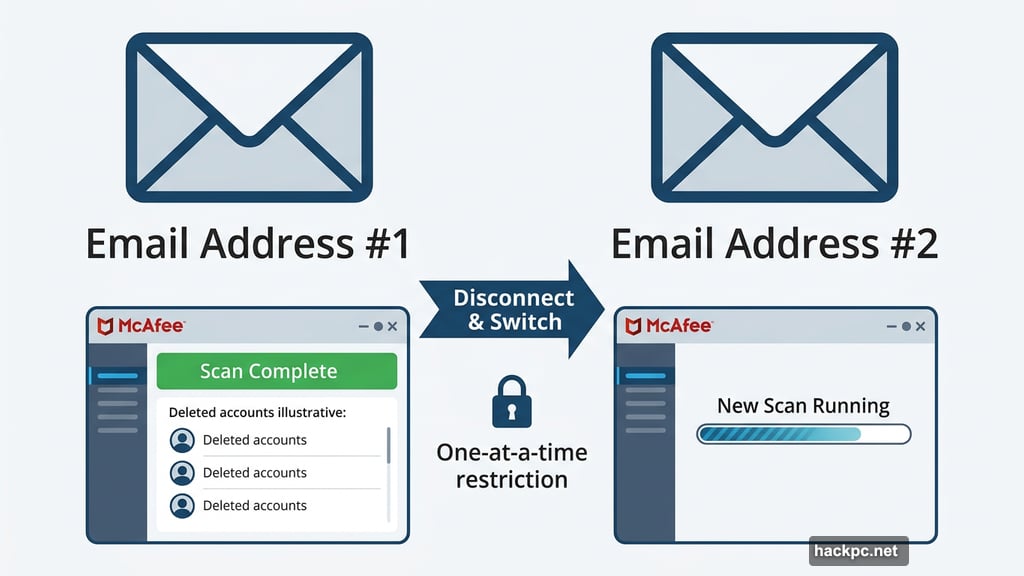
One thing worth knowing: you can only connect one email address at a time. But once you’ve cleared out one address, you can run a fresh scan on a different one. So if you’re juggling multiple email accounts from different life chapters, you can tackle them one by one.
Also worth noting — automatic deletion requests only happen on the McAfee Plus Ultimate plan. If you’re on McAfee Plus Advanced, McAfee identifies the accounts but you send the removal requests yourself.
How McAfee Compares to Bitdefender and Norton
McAfee isn’t the only company offering this kind of tool, but it handles the experience better than its competitors.
Bitdefender wraps account cleanup inside its broader data removal tools. That means it’s hard to tell which sites you actually created accounts with versus sites that just happen to have your data. The distinction matters when you’re trying to close specific accounts.
Norton offers account cleanup through its Privacy Monitor Assistant, but only as a standalone service priced at $110 per year. You can’t bundle it with a standard antivirus plan. That feels unnecessarily restrictive compared to McAfee’s approach of building it into higher-tier plans.
Beyond Account Cleanup: Dark Web Monitoring and Data Broker Removal
McAfee’s account cleanup tool pairs well with two other features included in higher-tier plans.
Identity monitoring continuously scans the dark web for your personal information — including your email address, phone number, mailing address, and government ID. It sends real-time breach alerts and surfaces historical breaches going back several years. McAfee can’t remove your data from the dark web once it’s there, but it does give you specific advice for each breach, like which passwords to change immediately.
The personal data cleanup tool works differently. It finds your information on data broker and people-finder websites — the kind of services that legally aggregate and sell your personal details. You can either send removal requests yourself or have McAfee handle them automatically, depending on your plan.
Together, these three tools — account cleanup, dark web monitoring, and data broker removal — form a fairly complete privacy toolkit.
The Tools That Impressed Me (and One That Didn’t)
McAfee bundles several other features worth mentioning.
The antivirus software consistently earns top marks from third-party testing labs like AV-Test. The interface is clean, and background protection runs without noticeable slowdowns. That said, McAfee consumed a significant chunk of CPU during active scans, so users with older machines or anyone doing resource-heavy tasks like video editing should be aware of that.
The social media privacy manager connects to Facebook, Instagram, LinkedIn, and other platforms to quickly optimize privacy settings across all of them. It saved me from logging into each account separately to disable ad tracking — a small but genuinely convenient time-saver.
The password manager uses industry-standard AES-256 encryption to store and generate secure passwords. It’s a solid feature, though standalone free password managers exist if you’d prefer not to pay extra.
The WebAdvisor browser plugin scans URLs flagged by search engines to check for safety issues. It works fine within the McAfee ecosystem, though I personally prefer browser safety plugins from Bitdefender or Malwarebytes for their more advanced ad tracker blocking.
Where McAfee falls short is the VPN. During testing, it caused a 46% average drop in download speeds — well above the 25% threshold I consider acceptable. It also lacks obfuscated servers, which mask the fact that you’re using a VPN at all. Those are significant gaps for a privacy-focused product. If VPN protection matters to you, buy one separately from a dedicated provider.
The scam detector scans emails, texts, and calls for phishing attempts. It didn’t flag anything my existing Gmail spam filters hadn’t already caught, so it’s difficult to measure its real-world impact. That might mean it’s redundant in my setup, or it might mean nothing suspicious slipped through. Hard to say either way.
Is McAfee Worth Switching To?
Before testing this tool, I was a satisfied Microsoft Defender user. Defender handles malware protection well, and it’s free on Windows. But malware isn’t the only threat worth worrying about anymore.
Phishing attempts and social engineering scams have grown more sophisticated. Data brokers are selling your personal information. Old accounts you forgot about are sitting on servers that may have already been breached. Microsoft Defender doesn’t address any of that.
McAfee’s account cleanup tool alone changed my thinking. Finding 455 accounts and being able to eliminate them methodically — without spending a weekend on manual research — is genuinely valuable. Add in dark web monitoring, data broker removal, identity theft insurance up to $2 million, and credit monitoring, and McAfee Plus Ultimate starts to look like a serious upgrade over basic built-in protection.
The VPN is a weak spot, and the scam detector is hard to evaluate. But the privacy tools more than compensate. If you’ve been online for more than a decade and haven’t audited your digital footprint, McAfee’s cleanup tool is the fastest, most organized way to start.




Comments (0)