
If you care about privacy on your iPhone, this one’s worth paying attention to. Mullvad VPN just announced a new fix for a stubborn iOS data leak problem — and while it’s good news, it comes with a catch.
The fix works, but it puts a bit more responsibility on you as the user. Here’s what’s changing and why it matters.
The iOS Data Leak Problem Nobody Fixed
Apple’s iOS has a well-known vulnerability when it comes to VPNs. Certain types of network traffic can slip outside the VPN tunnel entirely, leaking your data before it’s protected.
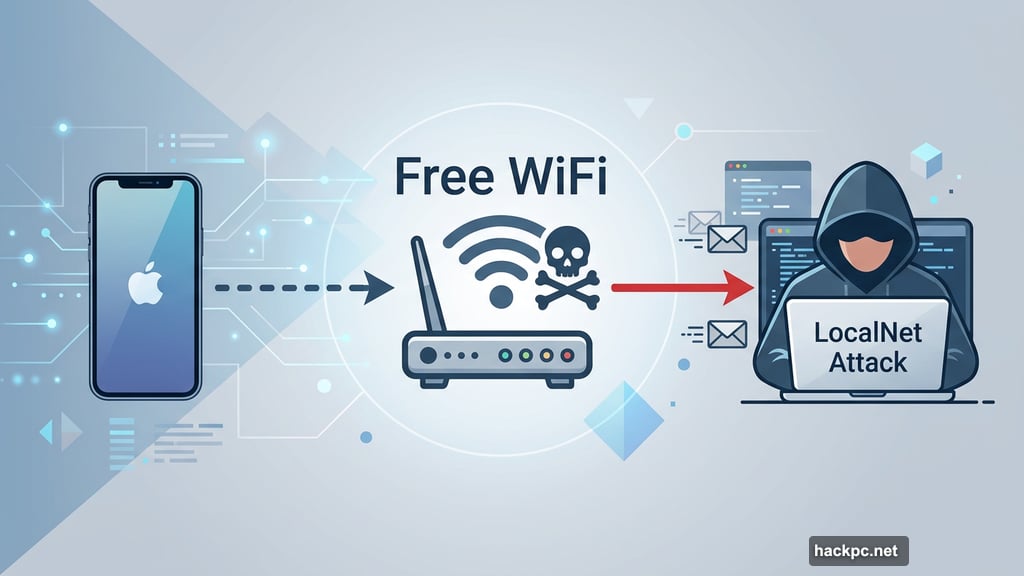
Even worse, iOS is susceptible to LocalNet attacks. That’s where cybercriminals set up fake Wi-Fi networks that look exactly like legitimate ones — think your favorite coffee shop’s hotspot. Connect to one of those, and your traffic can be intercepted without you ever knowing.
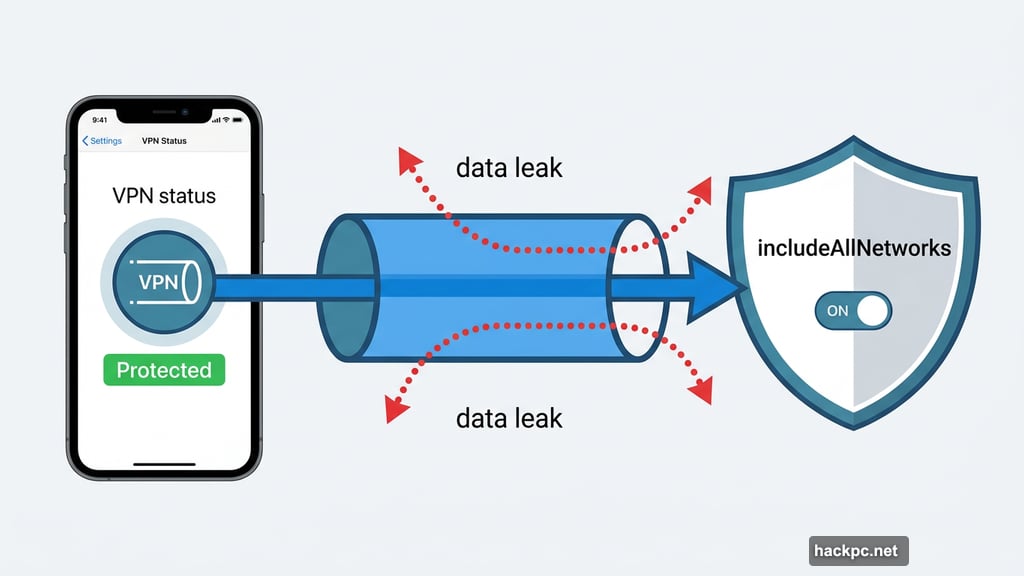
The fix for both issues involves forcing every single piece of app data through the VPN. In Mullvad’s case, that means enabling something called the includeAllNetworks configuration. Sounds simple enough, right?
Why Mullvad Held Back on This Fix
Here’s the tricky part. Mullvad knew about this solution for a while, but hesitated to roll it out. The reason? iOS updates hate it.
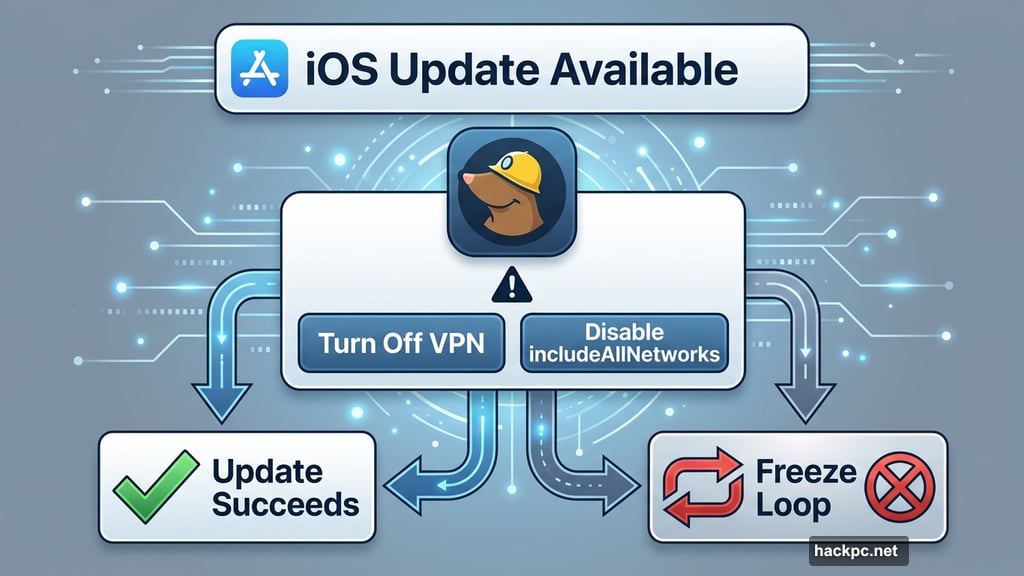
When Apple pushes a VPN app update while includeAllNetworks is active, things can go sideways fast. The iPhone might freeze during the update, force a reboot, try to update again, freeze again — and just loop endlessly. That’s not a great experience for anyone.
So Mullvad was stuck. Fix the leak and risk bricking phones, or leave users slightly exposed and keep things smooth. Not exactly an enviable position.
The New Optional Master Switch
Now Mullvad has found a middle ground. The company is rolling out a new setting that enables includeAllNetworks by default, closing the data leak vulnerability. But they’ve built in a safeguard to handle the update loop problem.
When an iOS update arrives, Mullvad will display a notification warning you ahead of time. You’ll have two options: turn off the VPN entirely before updating, or disable the includeAllNetworks setting temporarily. Either way, you avoid the bricking nightmare.
The setting is optional, which means you stay in control. Want maximum privacy protection? Turn it on. Prefer a more hands-off experience? Leave it off and accept the tradeoff.
What This Means for Your Privacy
This is a genuinely smart approach from a company that consistently leads on privacy features. Mullvad is being upfront about the fact that their workaround isn’t perfect, and they’re actively encouraging iOS users to report any freezing or bricking issues directly to Apple. That kind of transparency is refreshing.
It does mean a bit more active management on your end. You’ll need to remember to handle that notification when iOS updates roll out. Miss it, and you could end up in the update loop Mullvad warned about.
For most users, though, the tradeoff is worth it. Data leaks and LocalNet attacks are real threats, especially on public Wi-Fi. Having a switch that definitively closes those gaps is a meaningful upgrade.
Mullvad Keeps Raising the Privacy Bar
This fix is just one piece of a broader picture. Mullvad has also rolled out post-quantum encryption, which protects your VPN tunnel against future quantum computing attacks that could crack standard encryption. Plus, the company has added protocols specifically designed to defend against AI-guided traffic analysis — a newer threat where adversaries use machine learning to fingerprint VPN users based on traffic patterns.
At $5 per month, Mullvad sits among the most affordable premium VPN options available. CNET has consistently ranked it as the top privacy-focused VPN pick, and moves like this one show exactly why.
The new includeAllNetworks setting hasn’t fully launched yet, but Mullvad says it’s coming soon. If you’re already a Mullvad user on iOS, keep an eye on your app updates. And if you’re shopping for a VPN that takes privacy seriously without charging a premium for it, Mullvad is worth a close look.




Comments (0)